Article
How to build a real B2B TAM and avoid fake TAMs
Build a Real TAM with Technographics Data
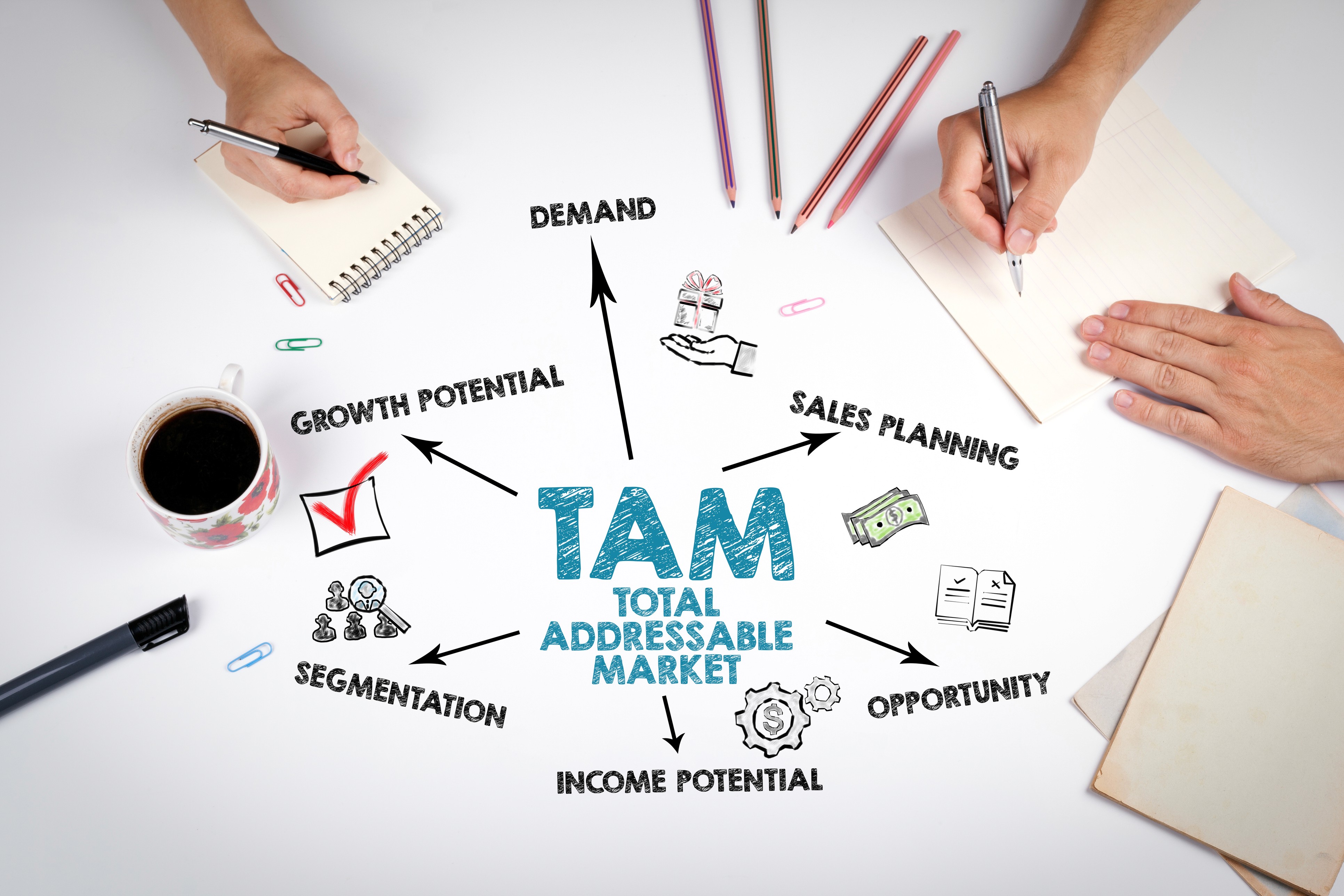
Table of Content
Your total addressable market should drive execution. It should tell your team who to target, when to move, and how to route work across outbound, marketing, and RevOps.
Too many teams still build a TAM as a slide. They pull a market size estimate, add a list of named accounts, and call it done. That creates a fake TAM. It looks strategic, but it fails in execution.
A real B2B TAM works differently. It turns technographics, third-party data, account fit, and active demand into an execution-ready input for GTM teams. It helps you define reachable accounts, prioritize buying groups, and keep outbound programs aligned with market change.
If you want outbound TAM development to produce pipeline, you need a TAM built for operations, not optics.
What makes a TAM fake
A fake TAM usually starts with broad market math. You count every company in a category, apply rough firmographic filters, and stop there. The output looks large, but your team still does not know who to work next.
That happens because fake TAMs ignore the conditions that make an account actionable.
• They treat every account in the segment as equal
• They ignore technographics that shape product fit
• They rely on stale third-party data
• They miss role changes, funding shifts, and buying signals
• They map accounts, but not buying groups
• They sit in spreadsheets instead of GTM systems
The result is predictable. Sales works bad lists. Marketing routes weak accounts. RevOps builds workflows on incomplete records. Your TAM exists, but your team cannot execute against it.
What a real B2B TAM needs to do
A real B2B TAM should answer four operational questions.
• Which accounts fit your market definition today
• Which accounts show conditions that support outreach
• Which people and buying groups matter inside those accounts
• Which systems need that intelligence now
This is where technographics and third-party data matter. They help you move from theoretical market size to reachable market coverage.
Technographics show the tools, platforms, and infrastructure an account already uses. That tells you more than industry or employee count alone. It shows migration paths, integration fit, competitive displacement opportunities, and maturity.
Third-party data adds external context. It helps you detect account changes that your CRM does not capture on its own. That includes firmographic shifts, role movement, location changes, funding events, intent activity, and install changes.
When you connect those inputs to identity resolution and unified account profiles, your TAM becomes usable across the revenue stack.
Why static market sizing breaks in modern GTM
Modern B2B buying is harder to model with static lists. Buyers research across more channels, involve more stakeholders, and change direction often. According to McKinsey, B2B customers now use an average of 10 interaction channels during the buying journey. A static TAM does not keep pace with that behavior.
Buying complexity also keeps rising. Gartner research, cited by LinkedIn, found that the average buying group for a complex B2B solution includes 8.2 stakeholders. If your TAM only names accounts, your outbound motion starts too late and too narrow.
This is why TAM framed as execution-ready input for GTM teams matters. You are not sizing a market for finance. You are defining the set of accounts and buying groups your systems should recognize, enrich, score, and activate.
How to build a real TAM
1. Start with an operational ICP, not a broad segment
Your TAM should begin with precise inclusion rules. Industry and size still matter, but they are not enough.
Add the factors that shape execution:
• Core firmographics
• Relevant geographies
• Selling capacity by segment
• Required technographics
• Disqualifying install patterns
• Revenue model fit
• Partner or channel constraints
This gives you a narrower market, but a more useful one. Outbound TAM development improves when your team works accounts that fit your motion in practice.
2. Use technographics to separate possible from probable
Technographics help you distinguish accounts that look similar on paper but behave differently in-market.
For example, two companies may share the same size and industry. One runs a stack that supports fast deployment. The other runs legacy systems that slow evaluation. One uses a competitor. The other built in-house workflows that require a different message.
Without technographics, both accounts sit in the same TAM tier. With technographics, you know where to focus first.
This is one reason technographics should sit at the center of outbound TAM development. They improve targeting, messaging, sequencing, and territory design.
3. Validate with third-party data, then refresh continuously
Third-party data expands coverage, but it also creates risk when it is treated as static truth. You need third-party data that updates often, resolves identities cleanly, and feeds field-level changes back into execution systems.
This matters because data quality breaks fast. Salesforce found that 26% of data is untrustworthy according to data and analytics leaders. If your TAM depends on stale records, your routing, scoring, and outbound prioritization degrade at the same rate.
You should use third-party data to verify account status, fill gaps, detect change, and strengthen coverage. You should not use it as a one-time list pull.
4. Build buying group coverage into the TAM
A real TAM should not stop at account counts. It should define the buying roles, functions, and likely stakeholders inside each target account.
That means your TAM model should include:
• Priority functions by product line
• Likely decision makers
• Technical evaluators
• Economic buyers
• Functional champions
• Blocked roles or low-value contacts
This shift matters because lead-centric models break when buying groups expand. Your TAM should prepare your team to engage accounts as coordinated buying teams, not isolated leads.
5. Score for action, not interest alone
Most TAM models overvalue interest and undervalue readiness. Intent data has value, but intent without fit creates noise.
A stronger model combines fit, timing, and coverage. You should score accounts based on ICP match, technographics, third-party data freshness, signal strength, territory ownership, and buying group completeness.
That gives your team a ranked TAM, not a flat list.
It also helps you prevent wasted motion. Poor data quality already creates enough drag. Salesforce research reported that 85% of analytics and IT leaders use data governance to ensure baseline data quality. That tells you the problem is operational, not theoretical.
6. Push the TAM into execution systems
If your TAM lives in a planning file, it will drift away from execution. A real TAM should flow into CRM, marketing automation, sales engagement, routing logic, and reporting.
Your team should see the same account truth everywhere:
• Sales sees prioritized accounts and role coverage
• Marketing sees reachable segments and suppression rules
• RevOps sees consistent identity, scoring, and routing logic
• Leaders see coverage, progression, and conversion by TAM tier
This is where an intelligence layer matters. It unifies account and buyer identities, applies real-time enrichment, and activates signals across workflows.
How fake TAMs show up in the field
You can usually spot a fake TAM by its downstream effects.
• High account counts with low meeting yield
• Strong list volume with weak reply quality
• Coverage gaps across target buying roles
• Frequent routing errors and duplicate records
• Conflicting account status across systems
• Territories built on outdated third-party data
These issues do not come from poor rep execution alone. They come from a TAM that was never built as an execution-ready input for GTM teams.
The market keeps moving while your model stays still. That gap grows fast. According to Forrester research reported by Digital Commerce 360, B2B purchases now involve an average of 13 internal stakeholders and 9 external participants. If your TAM ignores that coordination burden, account prioritization will break before outreach starts.
What to include in your TAM data model
If you want a real TAM, define the data model before you define the list.
Your model should include:
• Account identity and hierarchy
• Firmographics and geography
• Technographics and install confidence
• Third-party data sources and refresh logic
• Account fit score
• Signal score
• Buying group role map
• Territory and ownership fields
• Suppression logic
• Activation status across systems
This structure turns TAM planning into GTM architecture. It also gives you a way to audit market coverage over time.
How Leadspace supports outbound TAM development
Outbound TAM development depends on accurate identity, current coverage, and fast activation. That is hard to maintain when account, buyer, and signal data sit in separate systems.
Leadspace solves that by serving as the intelligence layer beneath your revenue stack. You get unified buyer and account profiles, identity resolution across sources, field-level enrichment, and real-time signals that keep TAM definitions aligned with market change.
That means your team works from the same market view across sales, marketing, and RevOps. Technographics and third-party data become more useful because they are resolved, enriched, and activated in context.
Your TAM stops being a planning artifact. It becomes a live operating input for GTM teams.
Build a TAM your team can execute
If your TAM does not improve routing, prioritization, and buying group coverage, it is too abstract. You need a model built for execution.
Start with precise ICP rules. Use technographics to sharpen fit. Use third-party data to expand and validate coverage. Resolve identities across systems. Then activate the result where your team works every day.
That is how you build a real B2B TAM.
If you want to see how Leadspace turns fragmented market data into an execution-ready input for GTM teams, schedule a demo.
Latest Articles

Article
How to audit and fix duplicate CRM records in 2026
Your CRM is supposed to be the system of record for your entire go-to-market operation. In practice, it often becomes a graveyard of duplicate contacts, mismatched accounts, and stale fields that no one trusts. When that happens, every downstream system that depends on CRM data starts making bad decisions.
Scoring models weight the wrong signals. Routing sends leads to the wrong reps. Segmentation breaks. Campaigns reach the same buyer five times across three different records. The problem is not that your team is careless. The problem is that CRM data quality issues compound fast, especially when you are pulling data from multiple sources and running enrichment at scale.
This guide walks through how to find the root causes of duplicate records, build governance rules that hold, and maintain data validation and cleansing as an ongoing operation rather than a quarterly fire drill.

Article
Measuring TAM coverage, not just TAM size
You already know your TAM number. That number looks useful in planning decks and board slides. It tells you how many accounts fit your ICP and how much revenue sits in the market.
It does not tell you whether your team has enough territory coverage to work that market well.
That gap matters. In outbound TAM development, territory performance depends on coverage over volume. If you assign a large market without measuring who you can reach, who you can route, and who you can engage across the buying group, you create blind spots inside your territory model.
This is whereEnterprise Data Management becomes operational. It gives you a way to measure TAM coverage at the account, contact, and buying group level. You stop asking how big the market is. You start asking how much of it your team is equipped to work right now.

Article
Turning account engagement into buying momentum with Custom Audiences
Account engagement rarely fails from lack of activity. It fails when you see activity at the account level but miss who is driving it, how interest is spreading, and when to act. That gap slows follow-up, weakens targeting, and leaves pipeline exposed.
If you want stronger account engagement, you need more than account coverage. You need Custom Audiences built from buying-team signals. That gives you a way to move from broad account reach to coordinated influence across the people who shape a deal.
That shift matters because B2B buying is already group-driven. According to 6sense research, 92% of B2B purchases involve groups of three or more people. A lead-centric model misses that reality. Your targeting should reflect the full buying team.