Product sheet
Leadspace for Salesforce
Complete Records. Automatic Updates. AI Buying Signals.
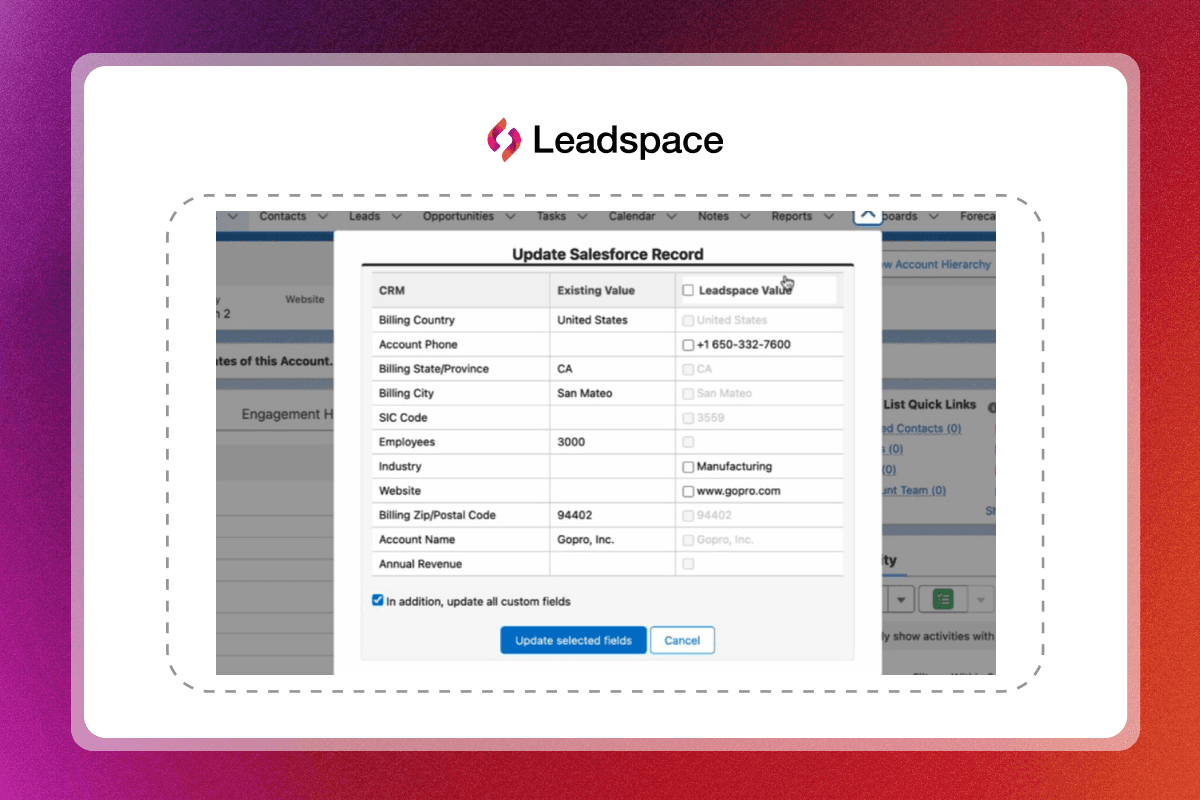
Leadspace for Salesforce is an enterprise-class data management solution that natively integrates Leadspace’s powerful B2B Graph into your Salesforce instance. Designed to enrich and unify Account, Contact, and Lead records with unmatched data coverage, this connector brings actionable insights and advanced segmentation to sales teams – right where they work.
Latest Articles

Article
MCP for RevOps: 28 Use Cases, Examples and MCP vs API
MCP for RevOps means running data, list, export and admin work from an AI assistant, using natural-language requests instead of clicks and scripts. With the Leadspace Sidekick MCP server connected, Claude, ChatGPT, Gemini, Cursor or any MCP-compatible assistant can enrich accounts, check records against your ICP, move lists to CSV or your CRM, track credit usage and manage users, all inside your existing Leadspace permissions.

Article
MCP for Marketing: 27 Examples for B2B Marketers
MCP for marketing means connecting your AI assistant to live B2B data, so you can build, size and enrich segments by asking in natural language. With the Leadspace Sidekick MCP server connected, Claude, ChatGPT, Gemini, Cursor or any MCP-compatible assistant can find accounts that match your ICP, count how many fit, map the buying group at each one and enrich your inbound leads, all in one conversation.

Article
MCP for Sales: 28 Use Cases and Examples for Sales Teams
MCP for sales means connecting your AI assistant to live buyer data, so you can prospect, prepare for calls and find contact details by asking in natural language. With the Leadspace Sidekick MCP server connected, Claude, ChatGPT, Gemini, Cursor or any MCP-compatible assistant can search Leadspace's B2B data, map the buying group at an account, pull a person's recent LinkedIn posts and reveal a work email or phone number, all in one conversation.


